

Import Phodat Data
Instructions
On the File menu, click Import to display the Import panel.
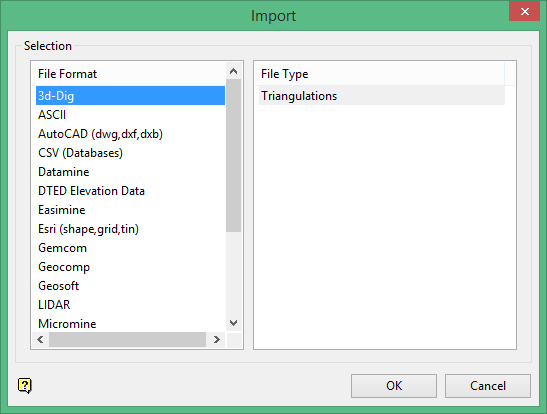
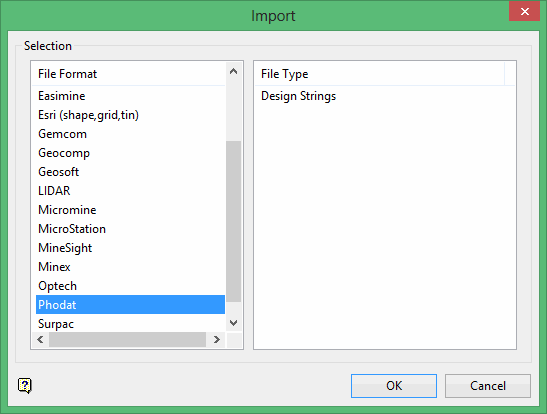
Click Phodat in the File Format column on the left.
Select Design Strings File Type field on the right side of the panel.
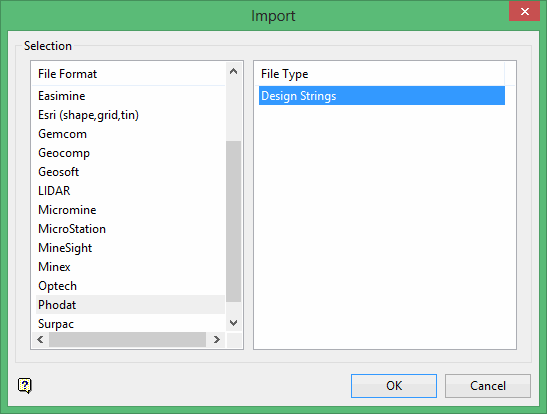
Click OK to display the Import Phodat Selection panel.
The Phodat format supports line types, such as spline, arcs, and circles. Currently there is only support for the basic line type of point and line.
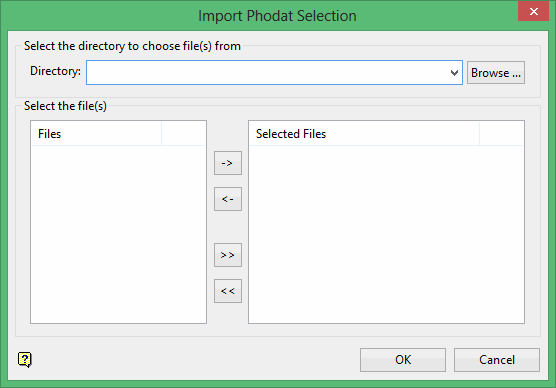
Select the Phodat files (.pdt) that you want to import.
- Click the -> button to move the highlighted file(s) to the selection list on the right.
- Click the >> button to move all files to the selection list.
- To highlight multiple files that are adjacent in the list, hold down the Shift key while you click on the first and last file names in the list.
- To highlight multiple non-adjacent files, hold down the Ctrl key while you click on the file names.
- To remove files from the selection list, highlight the file name(s) and click the < button or click the << button to remove all files from the selection list.
Click OK.
The following panel is then displayed. This panel displays for each of the selected Phodat files.
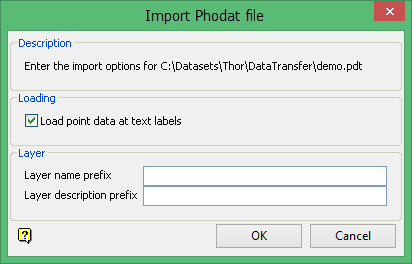
Load point data at text labels
Select this check box if you want the points at the text origin to be loaded as objects. If this check box is not selected, then only the text will be loaded. The imported text will use the current text default settings. If text defaults have not been set, then you will be asked for them.
Layer name prefix
Enter the prefix for the layers (a maximum size of 7 alphanumeric characters). Data from the Phodat file is loaded into 10 separate layers based on the Object class in the Object Header record.
The layer types are:
| Class | Name |
| 1 | Transport |
| 2 | Hydrography |
| 3 | Plants |
| 4 | Building |
| 5 | Lines |
| 6 | Details |
| 7 | Topography |
| 8 | Ground-inf |
| 9 | Slopes |
| 10 | Mng Object |
Specifying a layer name prefix of 'TUZ' would result in Vulcan layer names of 'TUZ_1', 'TUZ_2', 'TUZ_3'.... 'TUZ_10'. If data for a specific layer type does not exist, then that layer will not be created.
Each object created will have a feature code the same as the Object Code in the Object Header for that object in the Phodat file. Also, each object created will have the same group codes as the Object Code in the Object Item Header (if it exists). This allows data to be further edited based on group and feature codes.
Layer description prefix
This is an optional field of 27 alphanumeric characters and used as a prefix to the layer description (class name). A description of Tuzla area would result in Vulcan layer descriptions of Tuzla area - Transport, Tuzla area - Hydrography, Tuzla area - Plants etc.
Click OK.
