

Contact Profile Analyser - Output
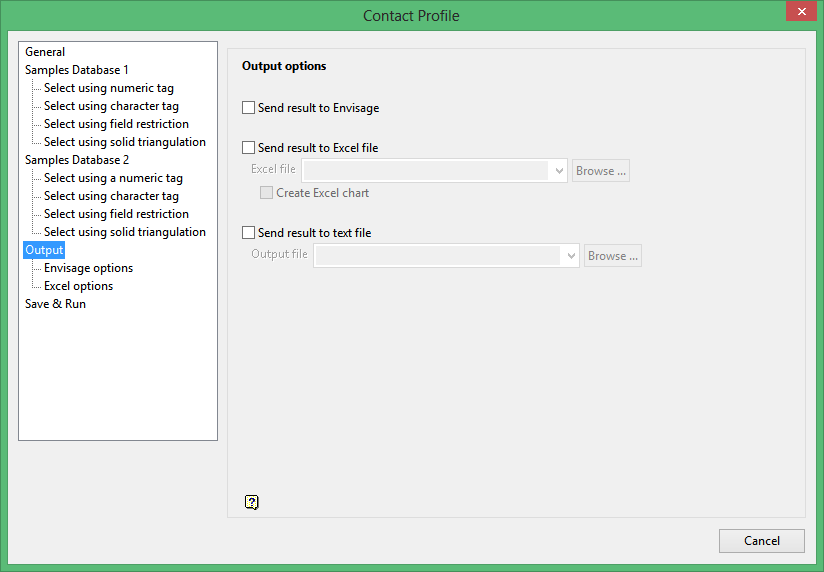
Output options
Send result to Vulcan
Select this check box to send the results to the Vulcan window. You will need to enable this check box in order to access the options displayed through the Vulcan options section of the Contact Profile interface.
Send result to Excel file
Select this check box to send the results to a Microsoft Excel file. You will need to enable this check box in order to access the options displayed through the Excel options section of the Contact Profile interface.
Check the Create Excel chart check box to create an Excel chart from the resulting data.
Send result to text file
Select this check box to send the results to a nominated CSV formatted text file.
Was this page helpful?
