

Drafting Sheet Editor: Scale Bar
Instructions
On the File menu, point to Drafting Sheets, then click Drafting Sheet Editor to display the following interface.
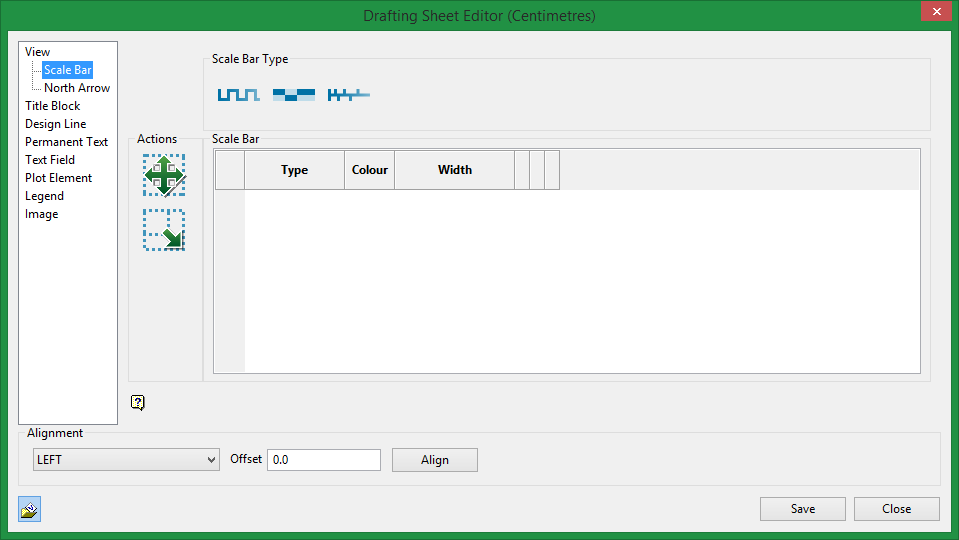
Scale Bar Type
This shows the three types of scale bars available.
Actions

|
Move. Select an row from the table first, then click on the Move icon to move a Scale Bar on a sheet. |

|
Resize. Select an row from the table first, then click on the Resize icon to change the size of a Scale Bar on a sheet. |
Scale Bar table
You can select different colours for each scale bar, and adjust the width.
Related Topics
Was this page helpful?
