

Save Specifications
This option allows for the currently loaded or defined specs to be saved.
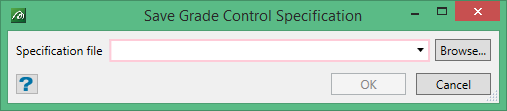
By default the panel will be populated with the name of the last loaded specifications (or if none were loaded and just new specifications entered, it will be blank). The option and this panel also serves as a Save As… option in that a new name (and directory location) can be requested as required.
Note: There is a major difference between the saving of specifications in new Grade Control and the old Legacy Grade Control. In new Grade Control saving is explicitly done by the user only when they want to make a change. With old Legacy GC the specs were saved automatically whenever a change was made – irrespective of whether the change was just for temporary viewing. This made control and auditing impossible if every viewing change altered a time stamp.
Now the user will only save specifications when the user chooses to do so. However, the system will now warn the user that they have unsaved changes should they attempt to load different specs or to close the system down without saving first.
If the Workbench user control system is being used, this menu option will remain disabled for any user with insufficient privilege to allow for specification modification.
Incomplete (and even invalid) specifications may still be saved – to allow for specs to be set up over multiple sessions. When such specs are loaded, the menu modality will ensure that they can not be used until setup is completed.
