

New
Use this option to create block model definition files (.bdf) and block estimation files (.bef).
Instructions
On the File menu of the Block Model Utility, click New... to display the New panel.
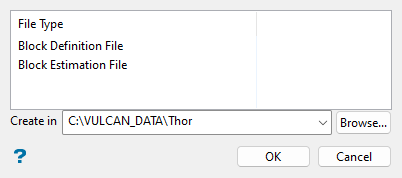
Nominate whether to create a block model definition file (.bdf) or a block estimation file (.bef). This is done through left-clicking on the desired file type.
To create a new file, enter the file name and file extension. By default, the resulting file will be stored in the current working directory. Use the Browse... button to select a different file location.
Click OK.
If you chose to create a block model definition file (.bdf), then the following interface displays.
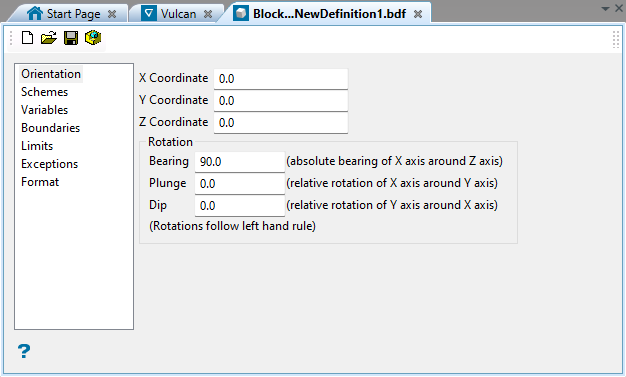
Refer to the Block > Construction > New Definition option for more information.
If you chose to create a block estimation file (.bef), then the following interface displays.
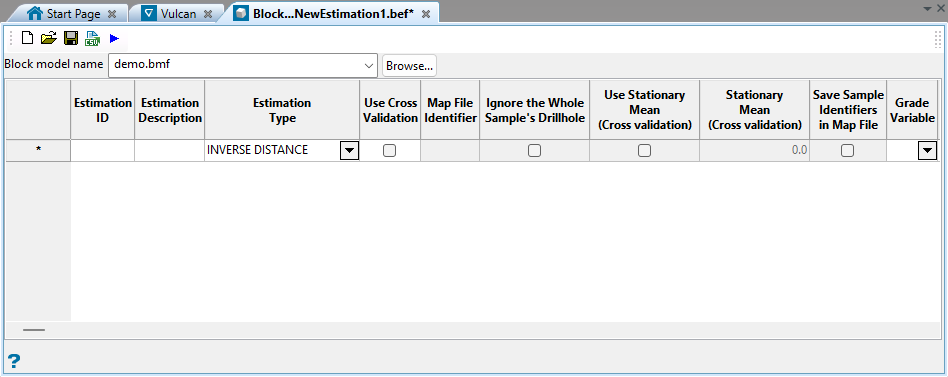
Refer to the Block > Grade Estimation > New Estimation File option for more information.
