

Legacy Blast Solids Validation
Use this option to test and validate legacy solids. This option selects the blasts to test, loads, and validates all associated solid triangulations produced.
Instructions
On the Grade Control menu, point to Setup, and then click Legacy Blast Solids Validation to bring up the following panel.
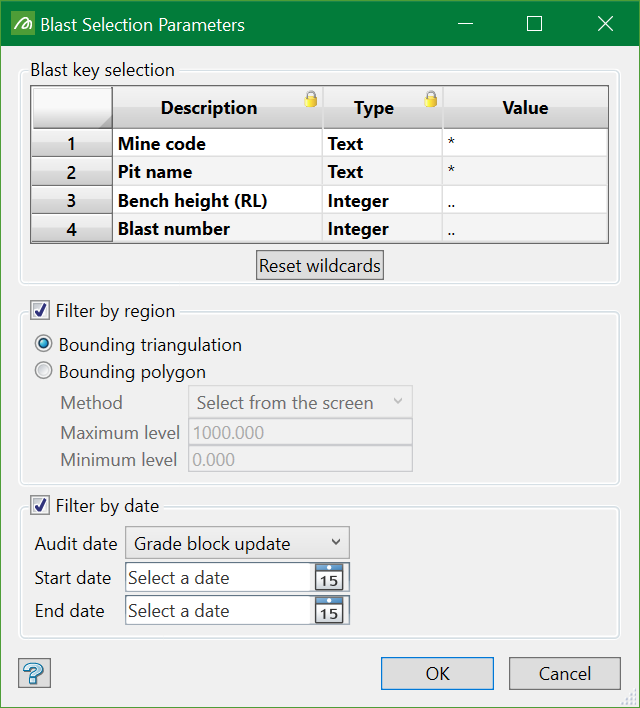
Blast Selection Parameters
These are the parameters that determine the blasts to be selected in the next step. Use wildcards in the Value column to set the selection criteria. You can also use filters to select the blasts by region and audited date.
Once the parameters have been defined, click OK. This populates all the blasts that meet the defined parameters.
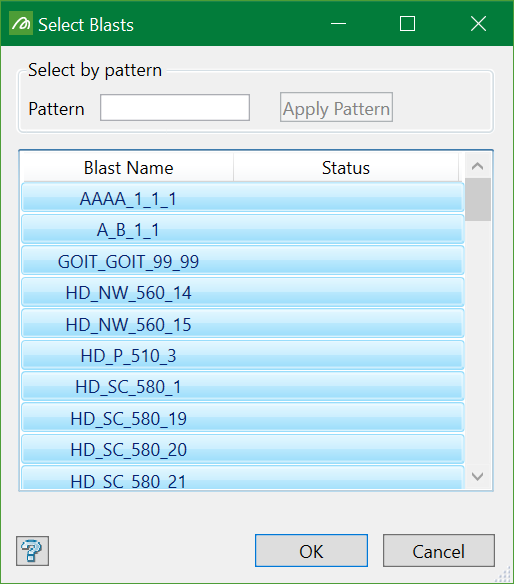
Select one or more blasts to load and see the validation report. You can use pattern to select the blasts or you can simply select all the blasts populated.
Click OK after selection and then the blasts start to be loaded.
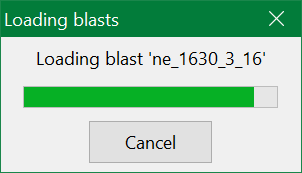
Once the blasts are loaded, the validation process begins and generates a report showing errors if the blasts are corrupted. It the validation goes right, then nothing appears indicating that the solids are not corrupted and the validation passed the test.
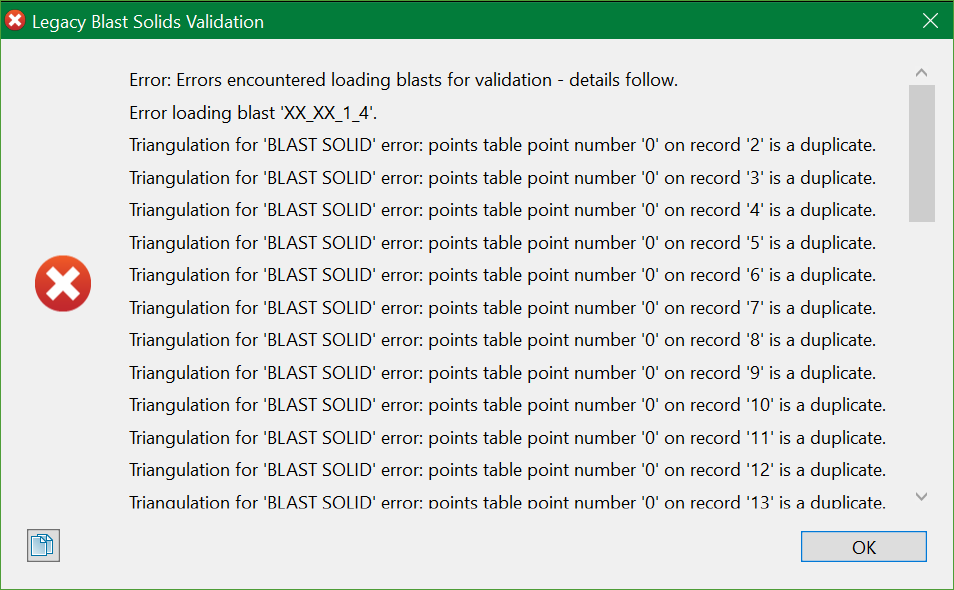
Note: There is a provision in the system which does a prior validation if the selected blasts are corrupt. However, this check doesn't apply for the triangulations already selected or created using Legacy Grade Control options. Therefore, this new option allows for a retrospective check to be done on the data already in the database. If anything goes missing, this validation reports the findings.
