

Downhole Variography
It is common practice to calculate a downhole variogram to acquire a nugget, and then use that nugget value while calculating a standard variogram.
The option for downhole variography will be disabled until the depth field has been selected.
Data from one source
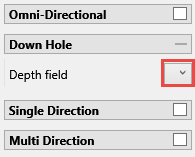
|
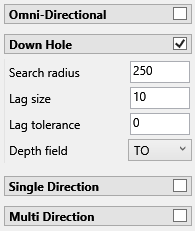
|
Orthogonal variograms will now have the downhole enabled by default unless the depth field hasn’t been selected.
Fan variograms will now include an option to select the depth field to allow creating the orthogonal variogram from them with the downhole direction.
Selecting a depth field in an orthogonal variogram, cross variogram or variogram will automatically enable the downhole variogram.
Data from more than one source
If more than one data source is selected for the creation of a variogram, a different control will be visible to select the depth field for multiple data sources.
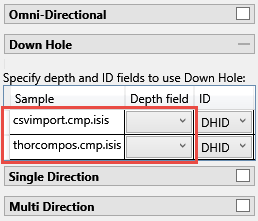
|
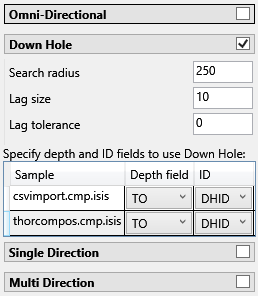
|
Search Radius
The search radius should correspond to your data spacing. When doing downhole variograms the search radius will not exceed the depth of the drillhole.
Lag Size
Set a lag size that coincides with your data spacing. If you have to err, do so on the side of too small.
Lag Offset
Lag offset indicates how far from the collar the search is to begin. A lag of 0 indicates that the search will start at the collar. A lag of 10 indicates that the search will start 10 units down hole from the collar, (units being whatever system of measurement you are using. If US, then feet. If International, then metres.)
