

Auto Split
Use the Split option to automatically separate a triangulation which consists of several spatially separated bodies into individual triangulations. This eliminates the need to return to the Model > Triangle Solid > Split option several times to complete this process.
Instructions
On the Model menu, point to Triangle Solid, and then click Auto Split to display the Auto Split panel.
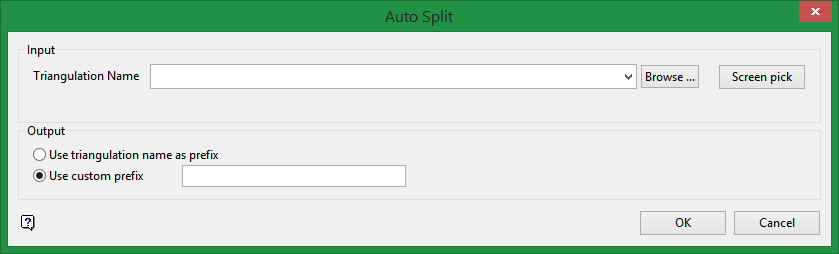
Input
Triangulation Name
Browse to select a triangulation from an existing triangulation database, or use the Pick button to select a loaded triangulation from the screen.
Output
Use triangulation name as prefix
Select this option to use the existing name as the prefix. A number will be attached to the end of the name of each resulting triangulation. For example, ore_vein.00t would become ore_vein001.00t and ore_vein002.00t.
Use custom prefix
Type the custom prefix into the textbox.
Note: The name is limited to 80 characters.
Click OK.
