

Open Specification
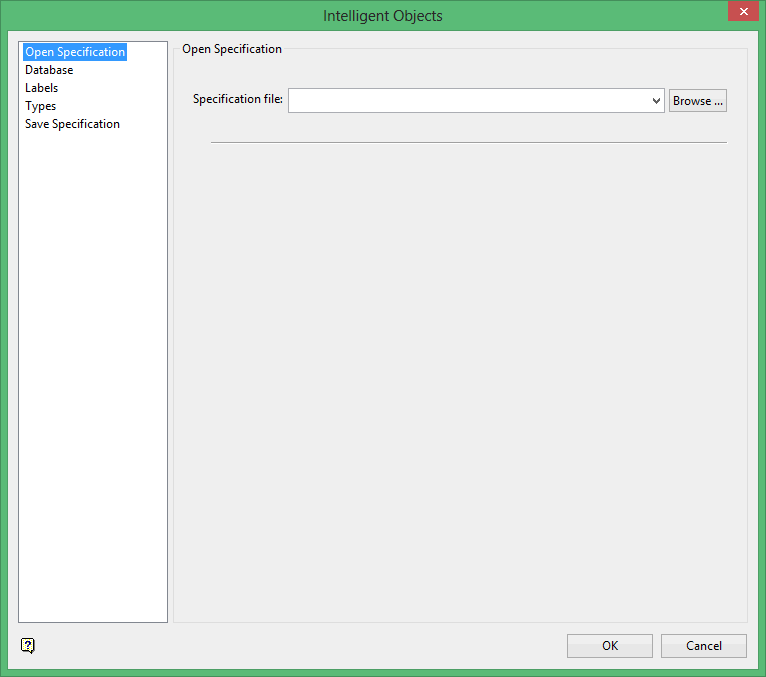
Specification file
Select the Intelligent Objects specification file (.ino) that you want to open. The drop-down list contains all of the (.ino) files found in the current working directory. Click Browse to select a file from another location.
To create a new file, enter the file name and file extension.
Note: If you haven't saved any recently made changes, then you will be prompted to do so in order for the changes to take effect.
Related topics
Intelligent Objects Editor panels
Tutorials
Was this page helpful?
