

Stope Optimiser
Use the Stope Optimiser command in the command line to run the Stope Optimiser program.
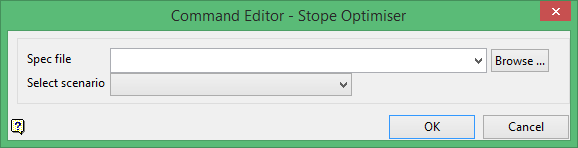
Stope Optimiser will run out of a directory besides the working directory but you have to be careful how you set up the spec file. (This is also the case when using the function, not specific to command editor).
The block model and the database have to be selected with a path (use Browse). If not, the program will look in the working directory for them, NOT automatically in the same directory as the spec file.
Note: that when you change the block model, even to re-select the exact same model but using the path, some of the variables in the Input tab will disappear and need to be re-entered. If you don't set up the spec file with paths and you get your spec file from a different directory, the command editor will look like it ran, but will end right away and not produce any output.
The output goes into the same directory as the spec file, not the working directory.
