

Export Trimble
Use the Export Trimble option to export triangulation information to a Trimble file.
Instructions
On the File menu, click Export to display the Export panel.
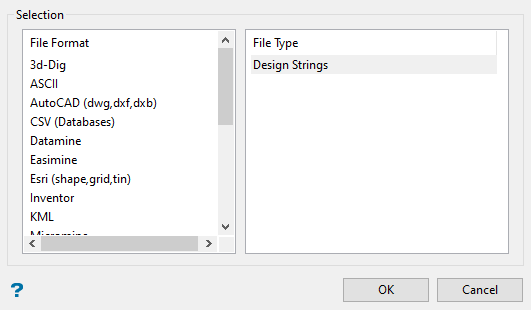
Click Trimble in the File Format column on the left.
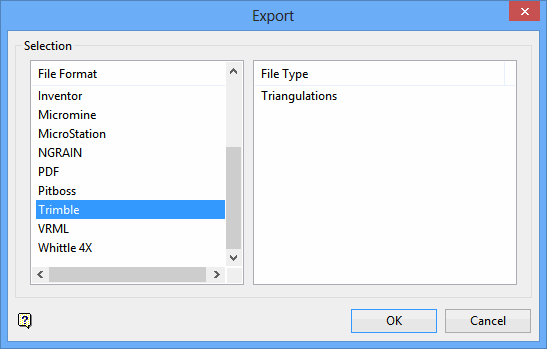
Select Triangulations from the File Type field on the right side of the panel.
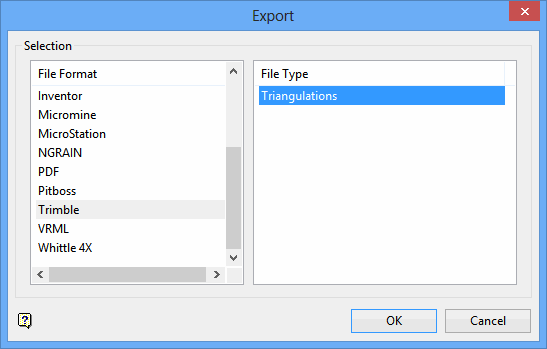
Click OK to display the Export Trimble panel.
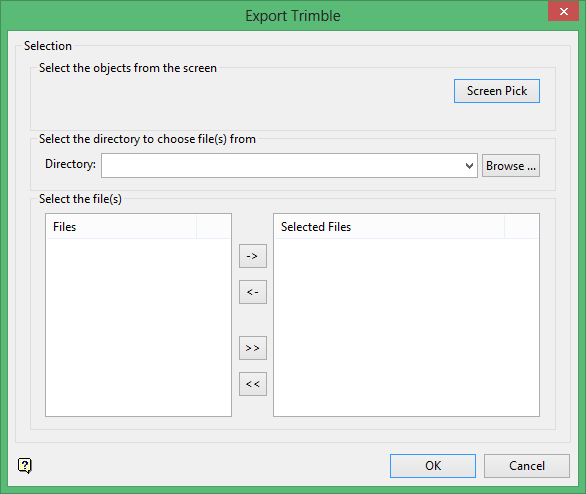
Select the triangulations you want to export by using any combination of the following options:
-
Screen Pick - Select triangulation(s) that are already displayed on the screen. Click on the triangulation(s) you want to export and then right-click to return to the panel. The triangulations you selected are listed in the Selected Files column in the Select the file(s) section.
-
Browse - Select the triangulation(s) to export by selecting them in the Select the file(s) section. All triangulation files in your working directory will be listed in the Files column. To select a different directory, click Browse in the Select the directory to choose file(s) from section.
-
From List - To select the triangulations to export using the Select the file(s) section of the panel, highlight the file name in the Files column and click the right arrow buttons to add them to the Selected Files column. If you click the single right arrow button ( -> ), only the files you have highlighted will be moved to the Selected Files column. If you click the double right-arrow button ( >> ), all files will be moved to the Selected Files column. To highlight multiple files that are adjacent in the list, hold down the Shift key while you click the file names. To highlight non-adjacent files in the list, hold down the Ctrl key while you click the file names.
If you are exporting the triangulations to a Facets file, the triangulations will be exported to the Facets file. If you are exporting to a DTM file, the DTM File panel displays and you must enter the parameters for the DTM file. If you are exporting a .ttm file, a windows panel appears where you can choose where to save the ttm file. The first time that the option is used, a panel appears asking to accept the Trimble licence, and enter a code. The code can be obtained at www.trimble.com.
Select of enter the name of the DTM file in the DTM filename drop-down menu.
Click OK.
The triangulations will be exported to the DTM file.
Result
The triangulation information is exported to the Trimble Facets or DTM file that you specified, and the file is placed in your working directory.
