

New
Create a New Mapfile
Use the New option to create a mapfile (.map) which can be imported into the DragNav package.
Instructions
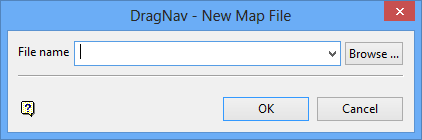
On the Dragline menu, point to DragNav, and then click New to display the DragNav - New Map File panel.
If a Dragline specifications file (.rsp) was not opened prior to selecting this option, then the Open Dragline Specification panel displays first.
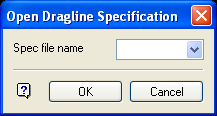
Open Dragline Specification panel
Spec file name
Enter, or select from the drop-down list, the <spec_file_id> part of the dragline specifications file name. The maximum size is 6 alphanumeric characters. Selecting a name from the drop-down list will open an existing specifications file. Entering a new name will create a new specifications file.
Click OK.
File name
Enter of select from the drop-down list the name of the mapfile you want to create. If an existing mapfile name is selected, then it will be overwritten. A maximum of 26 alphanumeric characters may be entered.
Click OK.
