

Remove Blast
Use Remove Blast to remove a loaded blast from the screen. This option also provides the facility to delete a blast from the database once it has been removed from the screen.
Instructions
On the Grade Control menu, click Remove Blast to display the Remove Blast panel.
From the list, select the blasts that you want to remove.
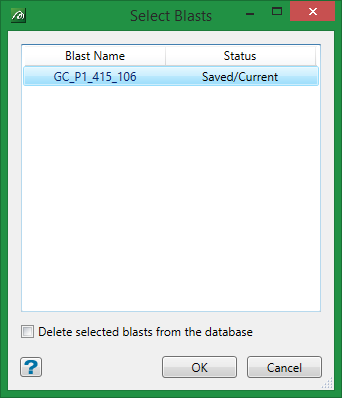
Check the Remove from database check box to remove the loaded blast from both the screen, as well as delete it from the associated database.
The Remove from database check box will only be displayed if you have selected the Enable blast deletion check box on the Grade Control Setup panel. Refer to the Edit Configuration option for more information.
Click OK.
The blast is then removed from the screen and, if applicable, deleted from the database.
