

Grade Control Database Setup
Reconciliation
Use this function to link to an existing database.
Note: : This option will not be enabled unless all of the Define Data Sources setup has been completed and is valid.
Instructions
On the Grade Control menu, point to Setup, then click Define Data Sources to display the following interface.
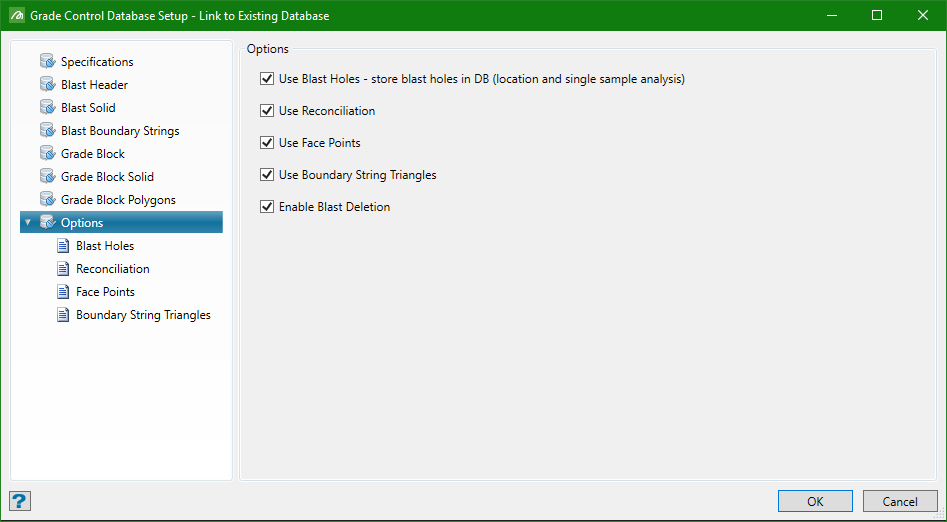
Reconciliation Tab
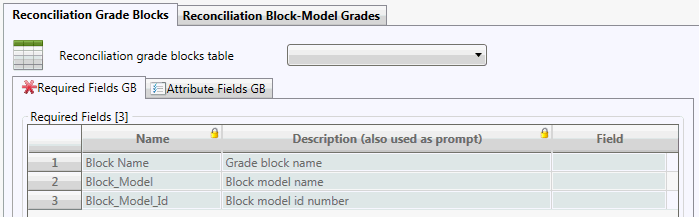
Reconciliation behaves in exactly the same way as with Legacy GC, so the setup here is similar. Optionally either or both Reconciliation Grade Blocks and Reconciliation Block-Model Grades can be set up – although at least one reconciliation block-model must have been nominated in the Data Source Definition in order to do so.
Note: Having reconciliation block-model(s) nominated, but not setting up the reconciliation option does not invalidate the specs. They simply won’t be used.
Required Fields
Identical data is required for both reconciliation types.
Notes: Restrictions on grade block name field data type as already described.
Only one of Block model name or Block model Id need be specified (Id is the Identifier specified in the reconciliation block models list ).
Attribute Fields
The behaviour of these sub-tabs is the same for both reconciliation types. See the discussion above for Blast-Hole attributes for more information.
