

Samples Database
This topic includes information about the Samples Database branch of the Implicit Modelling Editor.
Instructions
On the Geology menu, point to Implicit Modelling, and then click Implicit Modelling Editor to display the Implicit Modelling Editor panel.
Select the Samples Database branch from the menu on the left.
You can limit which sample points are used in the estimation by specifying the numeric tags, character tags, solid triangulations, or field restrictions.
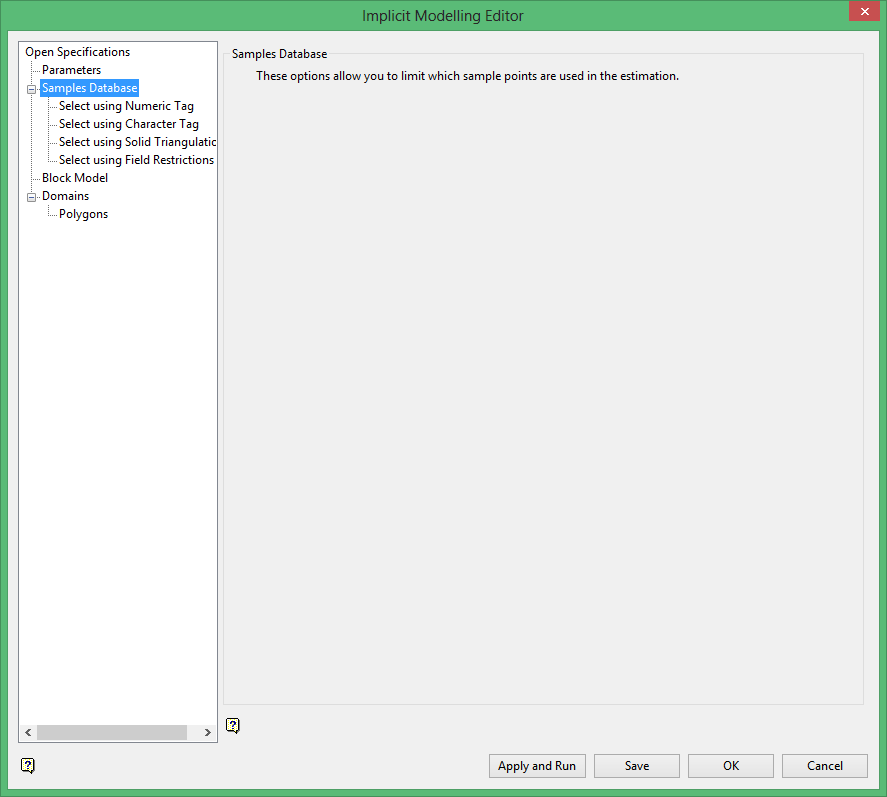
Samples Database Selection Options
- Select Using Numeric Tag
- Select Using Character Tag
- Select Using Solid Triangulations
- Select Using Field Restrictions
Once you have specified your sample point selections, select Block Model from the tree menu on the Implicit Modelling Editor panel to continue the process.
Was this page helpful?
