

Grade Control Database Setup
Grade-Block Solid
Use this function to link to an existing database.
Note: : This option will not be enabled unless all of the Define Data Sources setup has been completed and is valid.
Instructions
On the Grade Control menu, point to Setup, then click Define Data Sources to display the following interface.
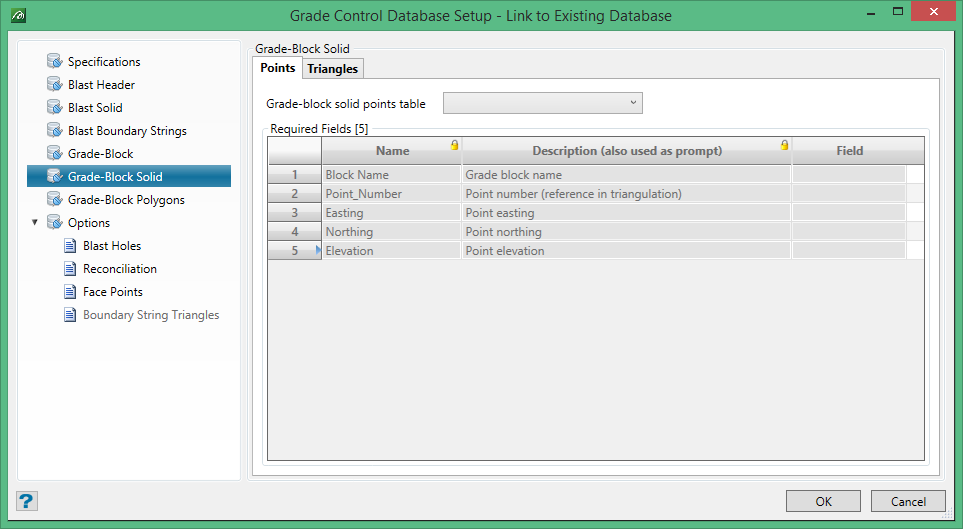
Points and Triangles
This tab allows for the setup of the required record names and their associated fields which define the Points and Triangles of the Grade-Block Solid triangulation. This is almost identical to the set up for the Blast Solid triangulations, with the exception that there are 5 required fields in each table – the extra field being for the grade block name.
Note: The data type for the Block Name field must match that of the grade-block name field on the Grade-Block record.
