

Define Blast Solids
Solid Triangulation
Select a region using a solid triangulation.
Initially, this menu item is deactivated unless a new blast has been created and defined.
Create a new blast by clicking New Blast, then follow the prompts. For additional information see New Blast.
Instructions
On the Grade Control menu, point to Define Blast Solids, then click Solid Triangulation.
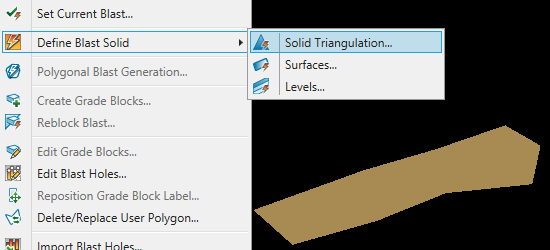
Note: A solid triangulation needs to exist before using this option.
Select the desired solid from the Vulcan workspace.
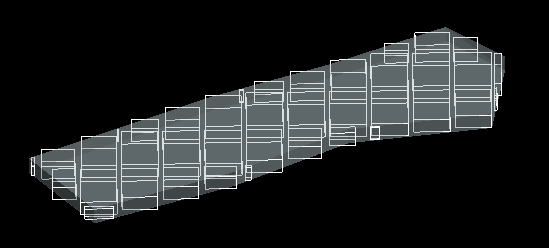
Blocks will be created based on the parameters set in the block model that was selected in Grade Control > Setup > Data Source Definitions > Block Models.
Was this page helpful?
