

Sequential Gaussian Simulation
Use the Sequential Gaussian Simulation command to perform a sequential Gaussian simulation using the parameters defined in an existing Simulation specification file (.sgs).
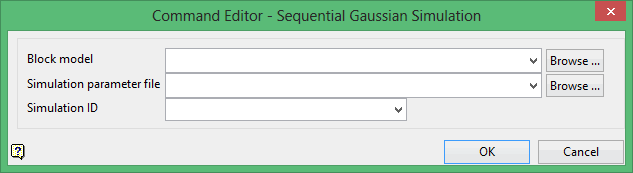
Block model
Select the block model that you want to use.
The drop-down list contains all block models found within the current working directory. Click Browse to select a file from another location.
Simulation parameter file
Select the name of the specification file. The drop-down list contains all .sgs files found in the current working directory. Click Browse to select a file from another location.
Simulation ID
Enter, or select from the drop-down list, the name of the parameters identifier that you want to load. The available drop-down list contains all of the identifiers found in the nominated specification file.
Click OK to add the command and return tot he Command Editor panel.
