

Picture Crop
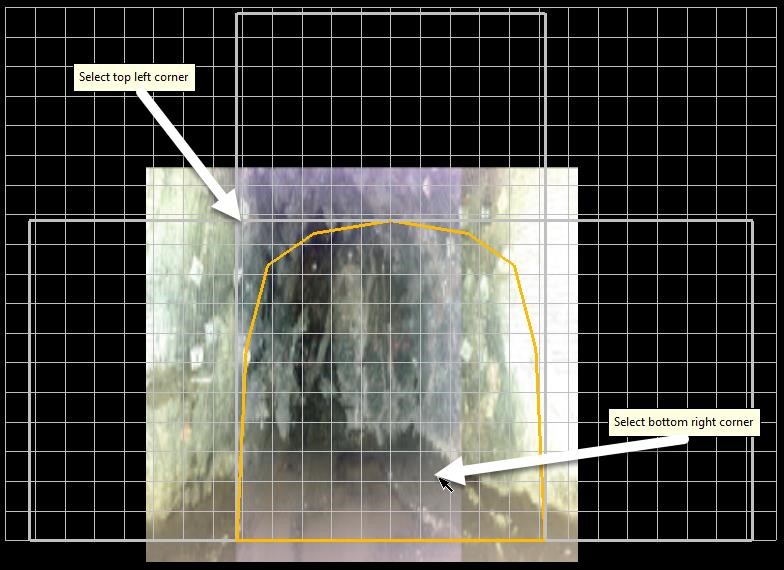
Allows the quick and easy cropping of the photo previously imported.
Instructions
On the Face Mapper menu, point to Pictures, then click Picture Crop.
Firstly, select the top left corner point where you wish to start cropping the image. Then select the bottom right corner point of where you wish to finish cropping the image.
Was this page helpful?
