

Export Micromine
Use this option to export design string data to a Micromine file.
Instructions
On the File menu, click Export to display the Export panel.
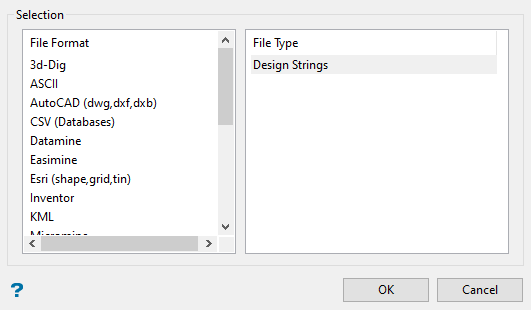
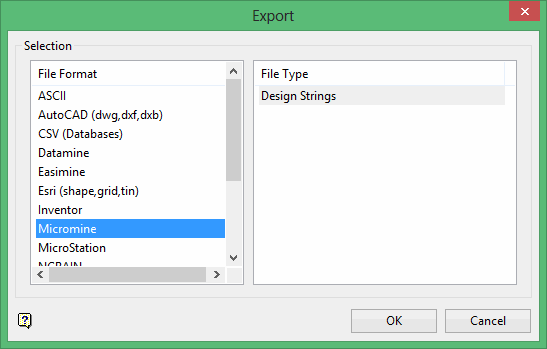
Click Micromine in the File Format column on the left.
Select Design Strings from the File Type field on the right side of the panel.
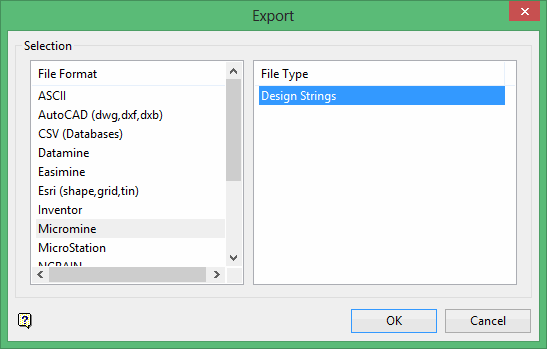
Click OK. The Export Easimine panel displays.
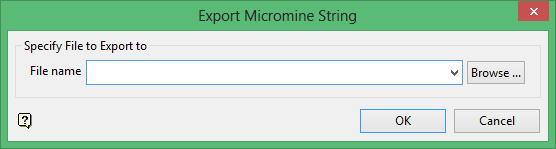
Select or enter the name of the file (.str) that will be used to store the exported data. The drop-down list will contain all .str files found in your current working directory. Click Browse if you prefer to select a file from another location.
Click OK to display the Select By menu.
When you are done selecting objects, click Cancel to exit the Select By menu. The data is then exported and a confirmation message displays.
Was this page helpful?
