

Block Selection
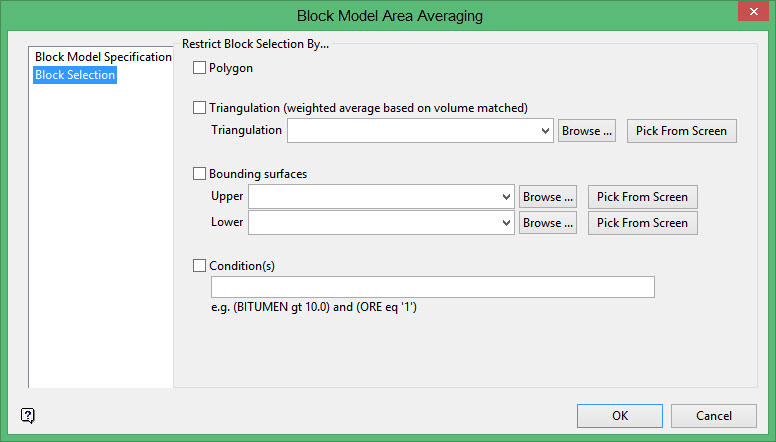
This section of the interface to apply selection criteria to the nominated block model, that is, limit by polygon, triangulation, bounding surfaces and/or condition. You have the ability to use one or more of the available limiting tools.
Polygon
If you check the Polygon check box, you will be prompted to select the necessary polygon object once OK is clicked.
Triangulation
The list contains all triangulations in the current working directory. Click Browse to select a file from another location. Use the Pick From Screen option to select triangulation files directly from the screen.
Conditions
Select this check box to apply conditions to the block model blocks, For example, BITUMEN GT 10.0 (select blocks where BITUMEN variable is greater than 10) or ORE EQ '1' (select blocks where ORE variable is equal to 1). Refer to Appendix D of the Vulcan Core documentation for a list of available operators/functions.
Related topics
- Block Model Specification
-
Block Selection
