

Delete Source Database Setup
Use this option to remove an existing source database specification file.
Instructions
On the Washability menu, point to Setup, and then click Delete Source Database Setup to display the following panel.
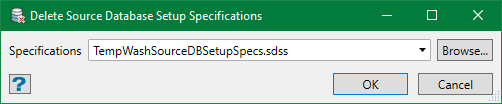
Select the specification file to be deleted from the drop-down list or browse from another directory. By default, it is pre-populated with the last specification edited or set up.
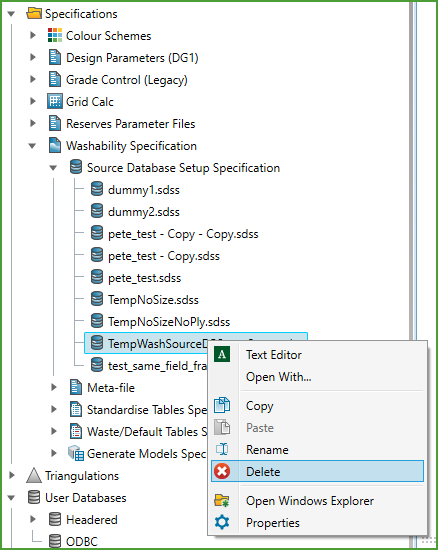
Alternatively, you can delete a specification file in the project directory from the Explorer panel. Navigate to Specifications>Washability Specification in the Workbench Explorer and expand the group that contains the file to be deleted. Select the file and on right-click context menu, click Delete.
Was this page helpful?
