

Page Setup
Use this section to set the general parameters that are to be applied to all tables in a report, For example, lines per page, margins, page heading etc.
This section consists of two tabs:
- Page
- Header & Footer
Page
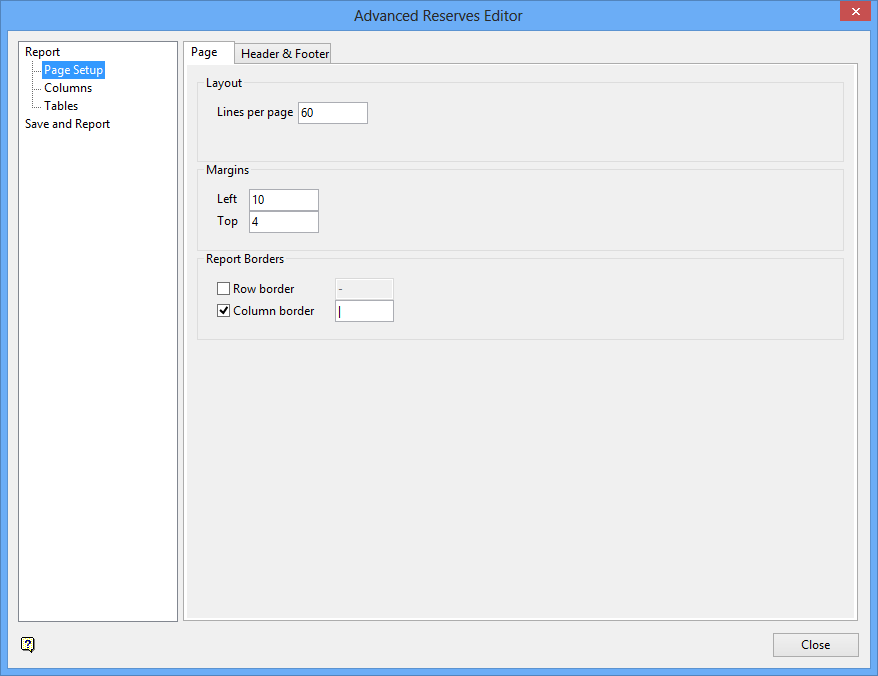
Lines per page
Enter the maximum number of report lines per page. The default value of 60 is standard for an A4 portrait page. Ensure that the value specified in the Lines per page field is greater than 0.
Margins
Left
Enter the left margin. This value refers to the number of spaces before text starts. The default is 10.
Top
Enter the top margin. This value refers to the number of lines before the report starts. The default is 4. This number is in addition to the Lines per page (see above).
Report Borders
This section allows you to separate the rows and borders within the resulting report. Simply ensure that the desired border type is selected and enter the character that will be used to separate the rows/borders.
For example, if you wanted to separate the rows, then you would enable the Row border check box and enter a suitable character as the row separator character.
The Row border check box will be unchecked by default when creating a new report template file.
Tip:
Specifying a comma (,) in the Column border field will allow you to create a CSV file. Once the report file has been generated, rename the file to include the
.csv
extension and open it through Microsoft Excel.
Header & Footer
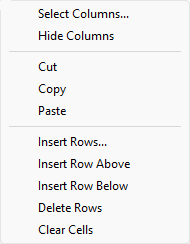
The panel utilises grid controls to manage the grid information, i.e. right-click context menus, that allow you to perform options such as hiding columns, cutting, copying, and pasting cells, and inserting and deleting rows. Right-click in the grid area to display the context menu. Descriptions of the available options are listed below.
 Grid Control Options
-
Use the Select Columns option to choose which grid columns to display in the panel, and optionally save the selection to a template for future use. Alternatively, select cells and click Hide Columns to hide the respective columns directly.
-
Select cells and use the Cut, Copy, and Paste options to duplicate or move cell entries.
-
Select a cell in a row of interest and use the various insert and delete row options to manage the records in the grid.
-
Click Clear Cells to clear the contents of a selection.
Header
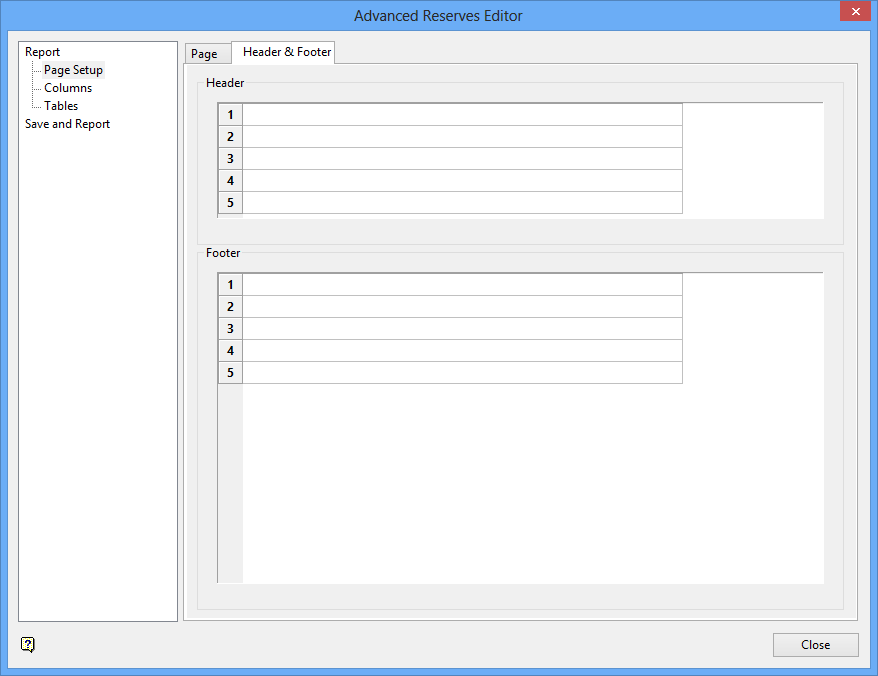
Specify the header information. Up to 5 lines can be specified with each line containing up to 256 alphanumeric characters. The page header appears at the top of each page. The header lines are included in the maximum number of report lines specified.
The page header may include the variables
$page
(current page number),
$date
(current date),
$time
(current time) and
$blocksel
(block selection information from dump file). These variables are substituted when the report is created. The variables may be in either upper or lowercase.
Footer
Specify the footer information. Up to 15 lines can be specified with each line containing up to 256 alphanumeric characters. The page footer appears at the end of the report. The footer lines are included in the maximum number of report lines specified.
Note The variables mentioned above can also be included in the page footer.
Related topics
- Report
- Page Setup
- Columns
- Tables
- Save and Report
