

Vega ODBC
Use the Vega option to setup a link to an Vega drillhole database which can then be accessed directly in Vulcan. This database will be linked through the VegaDirect API supplied by Metech. The current API supplied is "read-only" and does not allow writing back to the Vega database directly.
This option creates a file called <identifier>.acq.Isis which can be referenced via the Vulcan menus as you would a regular Vulcan Isis database. However, this will be accessing and loading the Vega database directly.
Instructions
On the File menu, click Vega ODBC to display the Setup ODBC Vega database link panel.
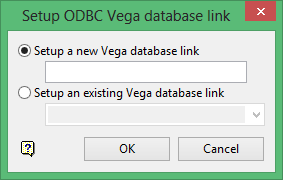
Setup a new Vega database link
Select this option to create a new link to an Vega database. Enter the name for the new link. The extension.acq.Isis will automatically be added for the final name.
Setup an existing Vega database
Select this option to edit an existing link to an Vega database. Enter, or select from the drop-down list, the name of the existing link.
Click OK.
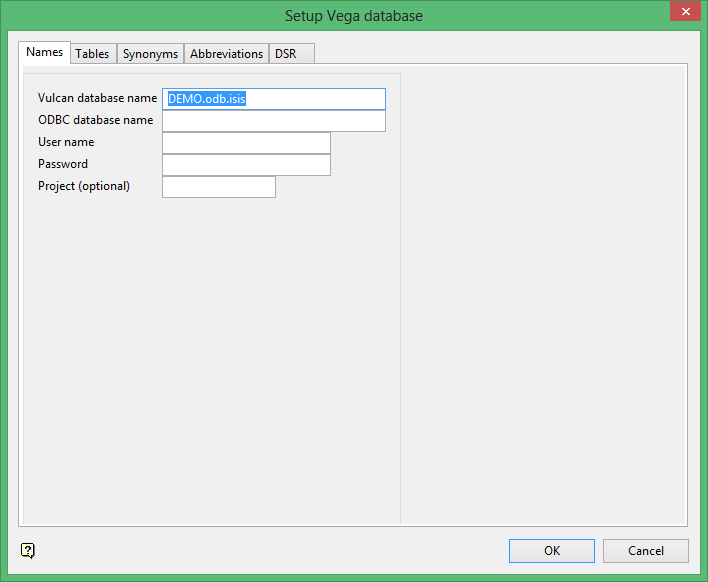
The Setup Vega database panel displays.
Names tab
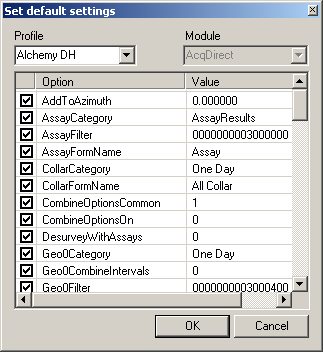
Set default settings
If you have defined a Profile (Vega, Manage, Default Settings), you can apply a profile or template to the selection of the data. The profile has all or some of the settings that will apply to this and other tabs in the dialog. Select the appropriate profile from the drop-down list and the settings will apply. Un-tick any of the options that you do not want to include.
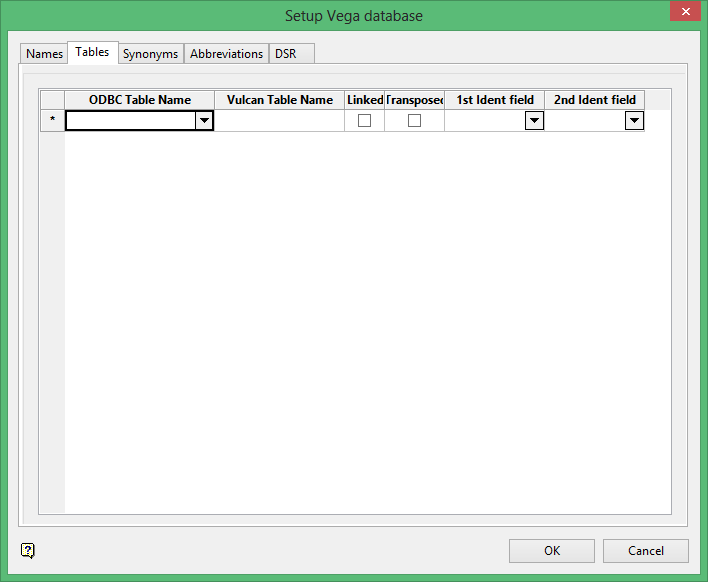
Tables tab
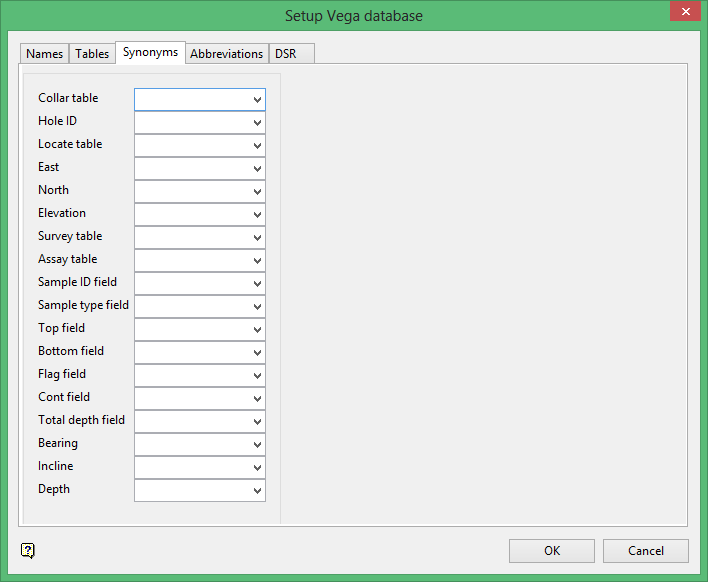
Synonyms tab
Abbreviations tab
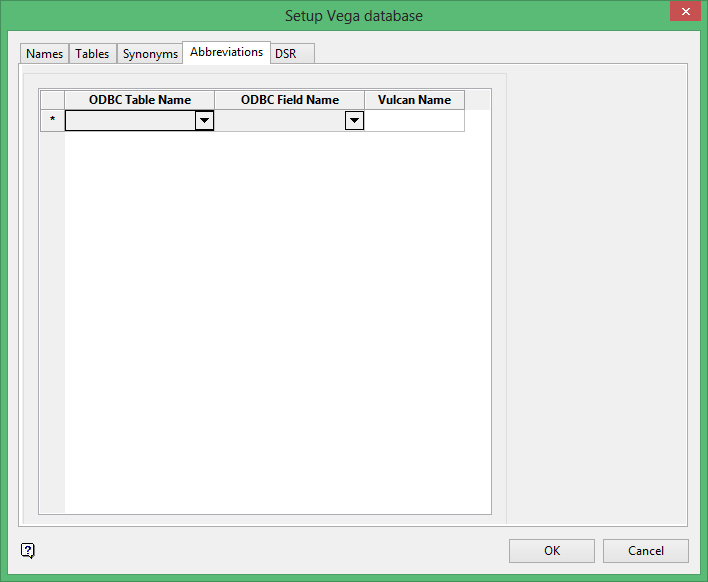
Use this panel to manually change Vega database field names to a new name which will be used by Vulcan for any options which reference the field name such as creating drillhole legends. The Vega database structure allows unlimited field names, however Vulcan has a limit of 6 characters, as a result the Vega field names will be truncated to 6 characters.
Click OK.
DSR tab
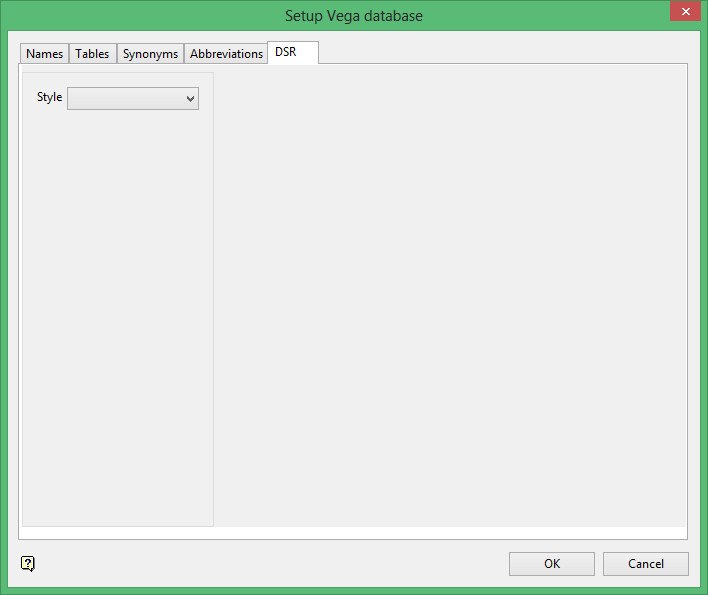
Style
Select, from the drop-down list the desurvey method. The methods are Tangent, Tangent with Length (defined interval length), Tangent with Interval (defined number of intervals), Segment Following (inflection and from), Segment Preceding (inflection and to). Refer to Desurvey Style for more information on these procedures.
Click OK.
