

Fill
When importing a block model, there are times when the model might have been built with exceptions, which means a model was created with deleted blocks. These are typically considered waste blocks but are relevant in Vulcan because volume and similar calculations in a model are evaluated against available blocks.
This option restores all deleted blocks by querying the block header information and essentially rebuilding the framework with all missing blocks leaving the existing blocks intact.
Instructions
On the Block menu, point to Manipulation, then click Fill.
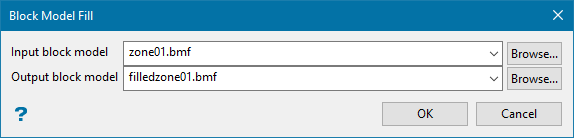
Input block model
Select the block model that has missing blocks from the drop-down list if it is located in the working directory, or browse for it if it is located in another folder.
Output block model
Enter a name for the resulting block model.
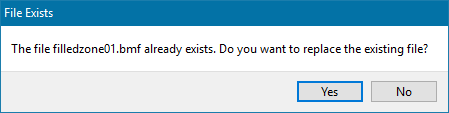
If you select an existing model from the drop-down list, you will be asked to confirm your selection.
Click OK.
