Lines To Polygons
Takes the digitised lines from Feature Lines, finds all intersections between them, breaks the lines according to these intersection points, links the resulting lines into polygons and then applies the appropriate features, where possible.
Instructions
On the Face Mapper menu, point to Mapping, then click Lines To Polygons.
Limitations
When creating complicated face maps (i.e. not a simple stratigraphic sequence) some of the features of the polygons created by this tool may need updating using the Feature Replace tool.
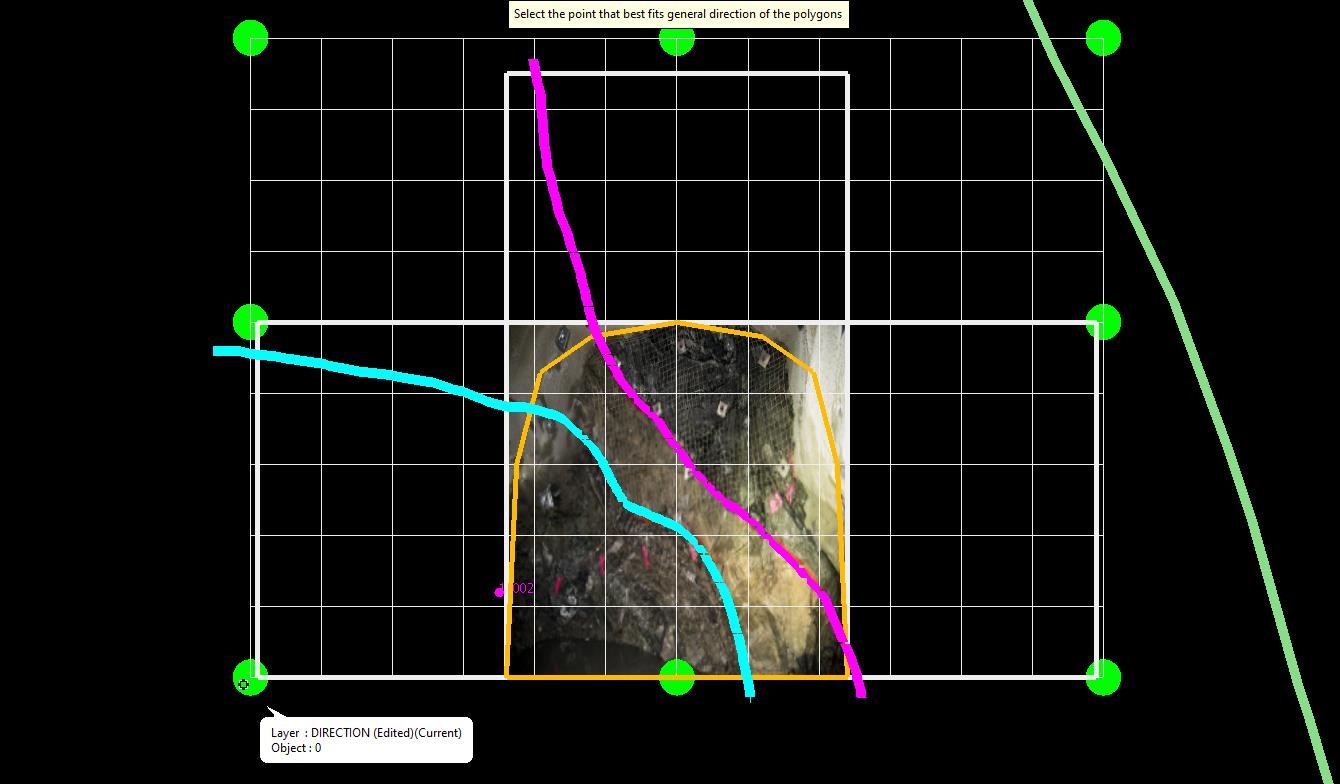
Select the arrow towards which the polygons should orientate to – the tool will attempt to apply, where possible, the feature code of each line to the newly created polygons towards this direction. E.g. if the digitised feature lines represent the foot wall contact of each lithology, select a point towards the hanging wall.
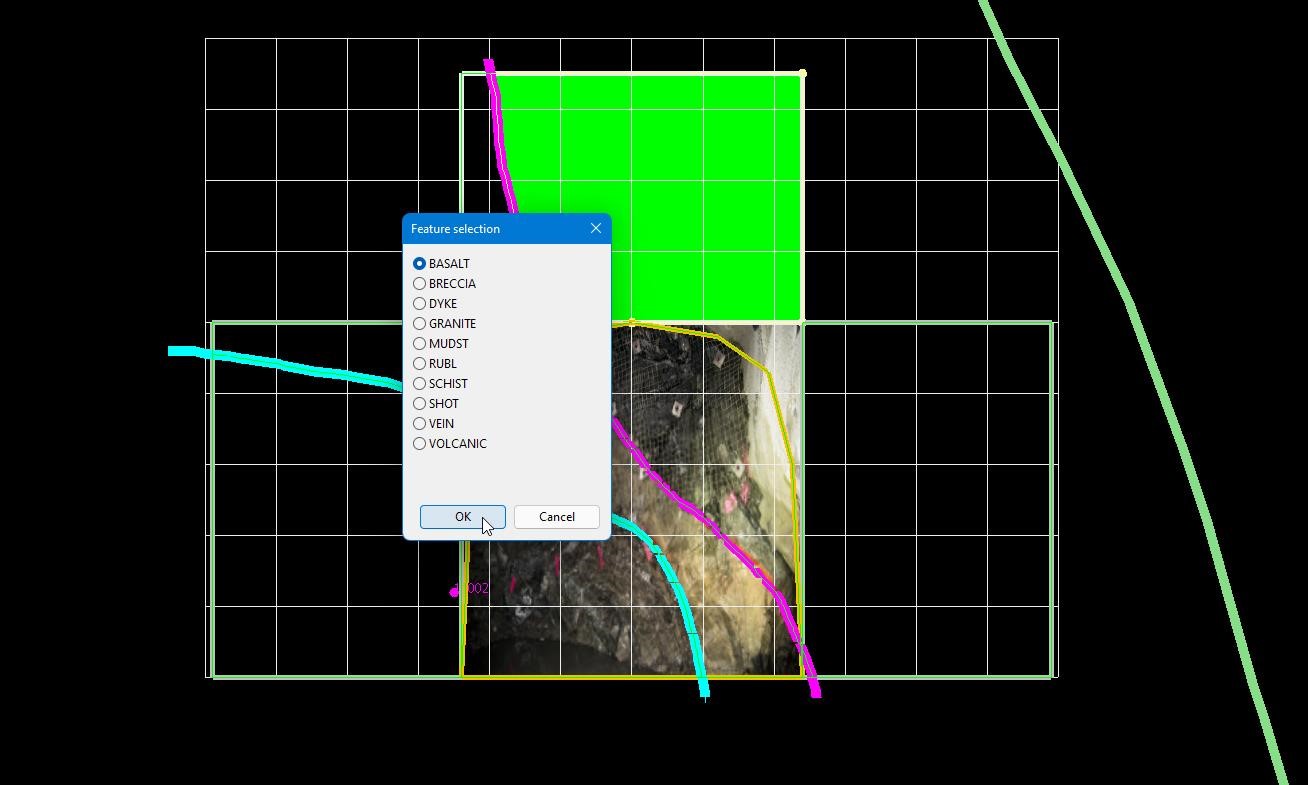
Any polygons that do not have a feature assigned will be highlighted green and the user will be prompted to assign the desired feature.