

Composite
Use the Composite option to display, in the Report Window of Vulcan, the weighted average grade of specified composites.
You can also access this option by right-clicking on a channel and selecting Channel - Composite from the displayed Vulcan context menu.
Instructions
On the Geology menu, point to Channel Sampling, and then click Composite to display the Channel Compositing panel.
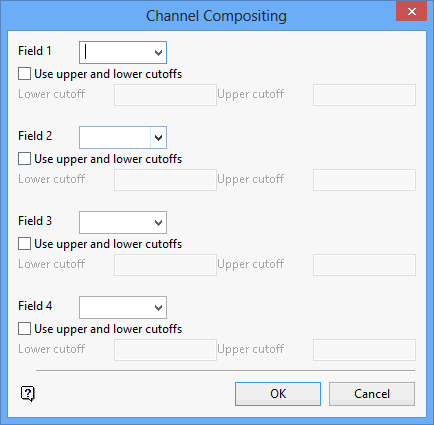
Field
Was this page helpful?
