

Grade Control Database Setup
Blast Boundary Strings
Use this function to link to an existing database.
Note: : This option will not be enabled unless all of the Define Data Sources setup has been completed and is valid.
Instructions
On the Grade Control menu, point to Setup, then click Define Data Sources to display the following interface.
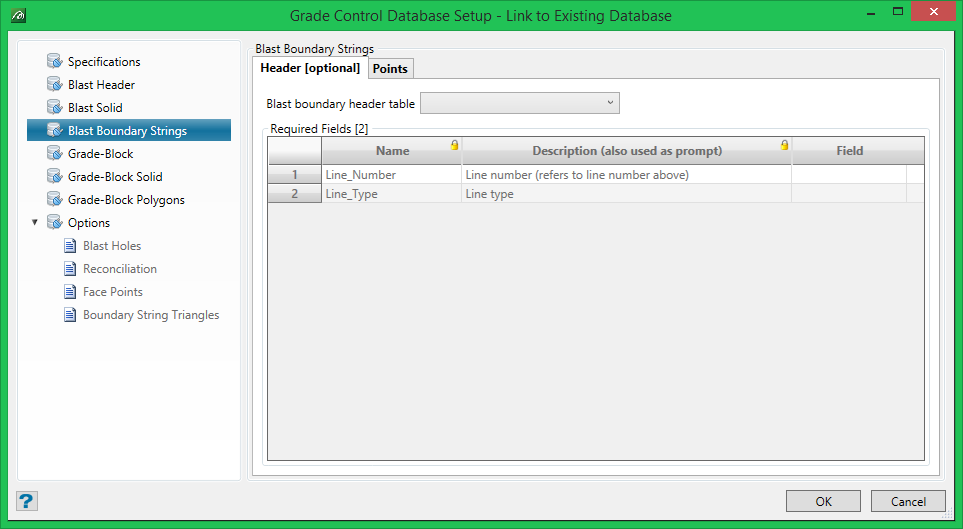
Blast boundary strings must have a Points table and may have an optional Header table.
Header [optional] table
If provided, this table must provide two fields; Line number to (match up with the line number of a group of point records) and Line type with which to render that line.
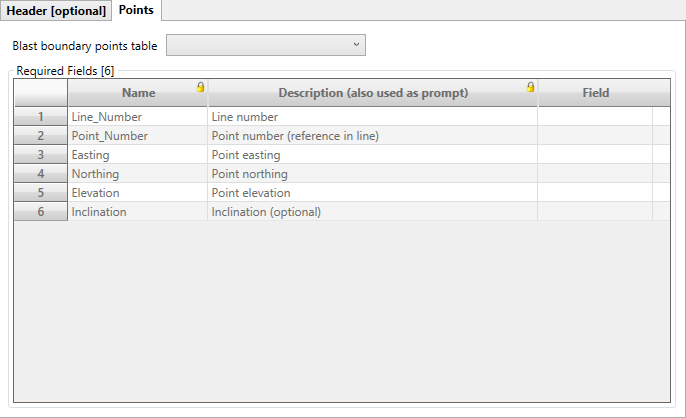
Points table
Points table must be provided, and all of the fields except Inclination are required.
Was this page helpful?
