

Fold Profile
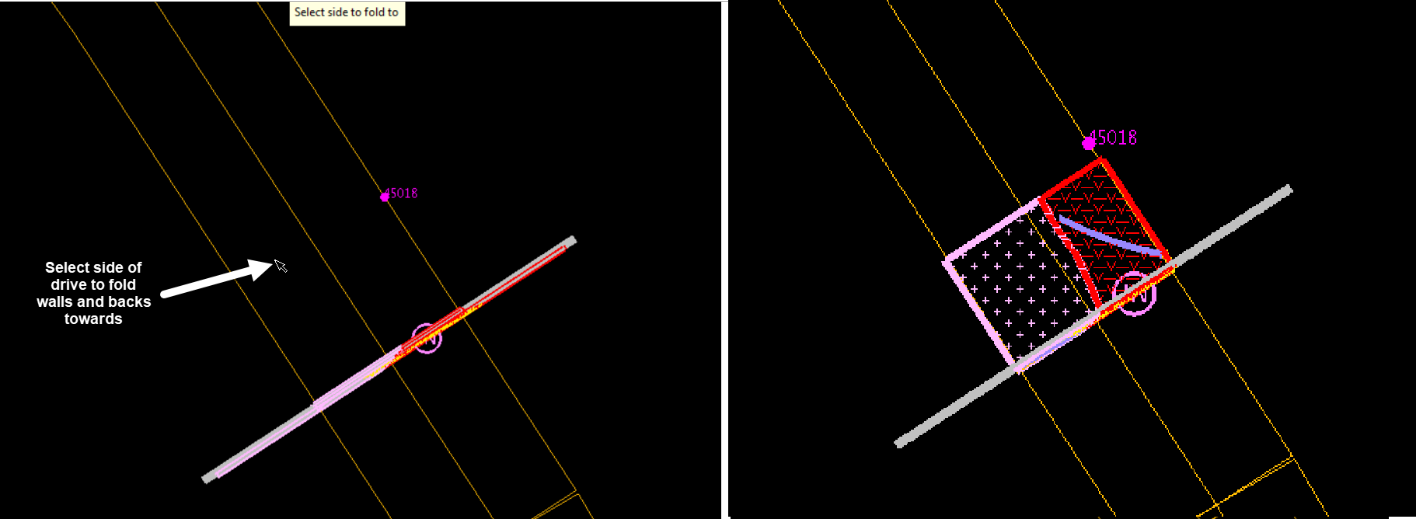
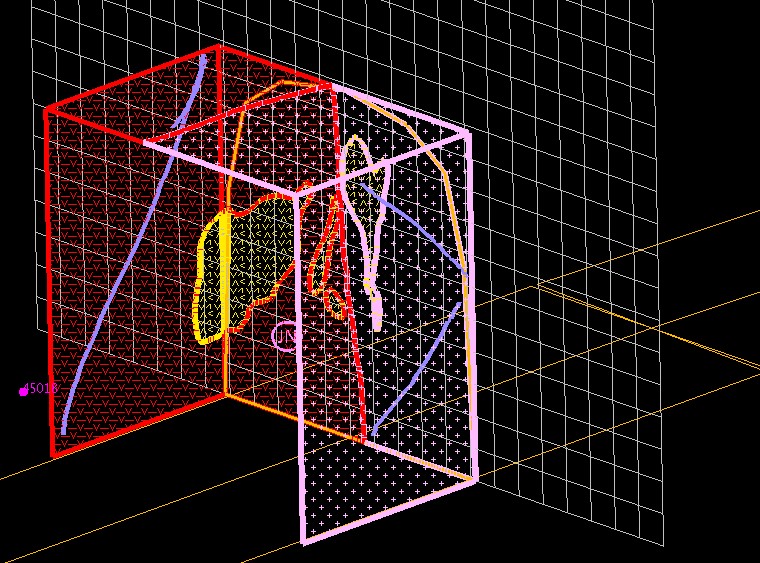
Takes the walls and backs polygons, structural measurements, walls/backs photos and sample lines from their 2D plane and folds (rotates) them back into the correct orientation.
Instructions
On the Face Mapper menu, point to Post Processing, then click Fold Profile.
Toggle out of section view and back into plan view. Select (click, using Snap to Object) the face to fold, then select the side of the face to fold the walls and backs polygons towards.
Was this page helpful?
