

GEODAT
The following panel displays.
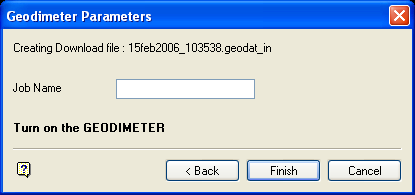
Geodimeter Parameters panel
Job Name
Enter the job name. This refers to the name in the instrument of the job you are downloading. The job name, as well as the data, is stored in the memory of the instrument.
Select Finish to download the file. A message displays if the download has successfully completed, if not, then a message displays informing you about the nature of the problem.
Note: GEODAT instruments must be in DMS mode if the file is to be reduced by Vulcan.
Was this page helpful?
